UX Writing Crafting Effective Microcopy

- Lifetime Access
- All Levels
- PDF Certificate
Have Faith In
Learning With Us





Overview
Overview: “UX Writing: Crafting Effective Microcopy”
Welcome to “UX Writing: Crafting Effective Microcopy,” your comprehensive guide to mastering the art of UX writing. In today’s digital landscape, every word matters, and with this course, you’ll learn how to wield language to create seamless user experiences that captivate and engage.
Module 1: Introduction to UX Writing Begin your journey into the world of UX writing by understanding its fundamental principles and importance in product design. Explore the role of UX writers and how they contribute to enhancing user experiences across various platforms and devices.
Module 2: Understanding User Flows and User Journeys Delve into the psychology behind user behavior and learn how to map out user flows and journeys effectively. Discover how to anticipate user needs and pain points, ensuring a smooth and intuitive navigation experience.
Module 3: Writing Clear and Concise Headings and Labels Master the art of crafting clear and concise headings and labels that guide users through your product seamlessly. Learn techniques for choosing the right words to convey meaning effectively while maintaining consistency and clarity.
Module 4: Creating Effective Button Texts and CTAs Explore the impact of persuasive button texts and calls-to-action (CTAs) on user engagement and conversion rates. Discover strategies for crafting compelling CTAs that compel users to take action and drive desired outcomes.
Module 5: Writing Helpful Form Instructions and Error Messages Learn how to write form instructions and error messages that alleviate user frustration and promote successful completion of tasks. Discover best practices for providing clear guidance and feedback throughout the user interaction process.
Module 6: Creating Engaging Microcopy for Empty States and Loading Screens Elevate your user experience with engaging microcopy for empty states and loading screens. Explore creative techniques for keeping users informed, entertained, and engaged during moments of inactivity or waiting.
By the end of this course, you’ll possess the skills and knowledge needed to craft compelling microcopy that enhances user satisfaction, drives conversions, and sets your product apart in today’s competitive market. Join us on this journey to unlock the power of words in shaping unforgettable user experiences.
Course Content
Module 1_ Introduction to UX Writing
-
Introduction to UX Writing
00:00
Module 2_ Understanding User Flows and User Journeys
Module 3_ Writing Clear and Concise Headings and Labels
Module 4_ Creating Effective Button Texts and CTAs
Module 5_ Writing Helpful Form Instructions and Error Messages
Module 6_ Creating Engaging Microcopy for Empty States and Loading Screens
Words That Inspire us to Growth
Frequently Asked Questions
Similar Courses



Get Your Certificate Today
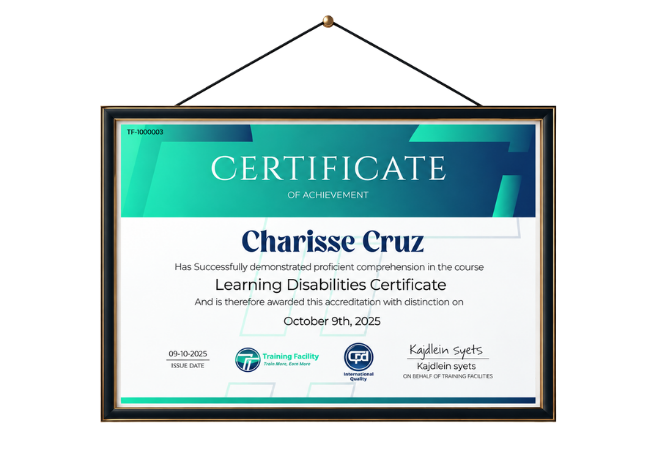
Upon successfully completing this course, you will immediately receive a digital certificate. Additionally, a physical certificate can be purchased. All of our courses are fully accredited, equipping you with up-to-date skills and knowledge to enhance your competence and effectiveness in your field. While our certifications have no expiry dates, we recommend checking the course materials often as we continuously update them to be more relevant.
Order Now